
One account for online and in-person payments.
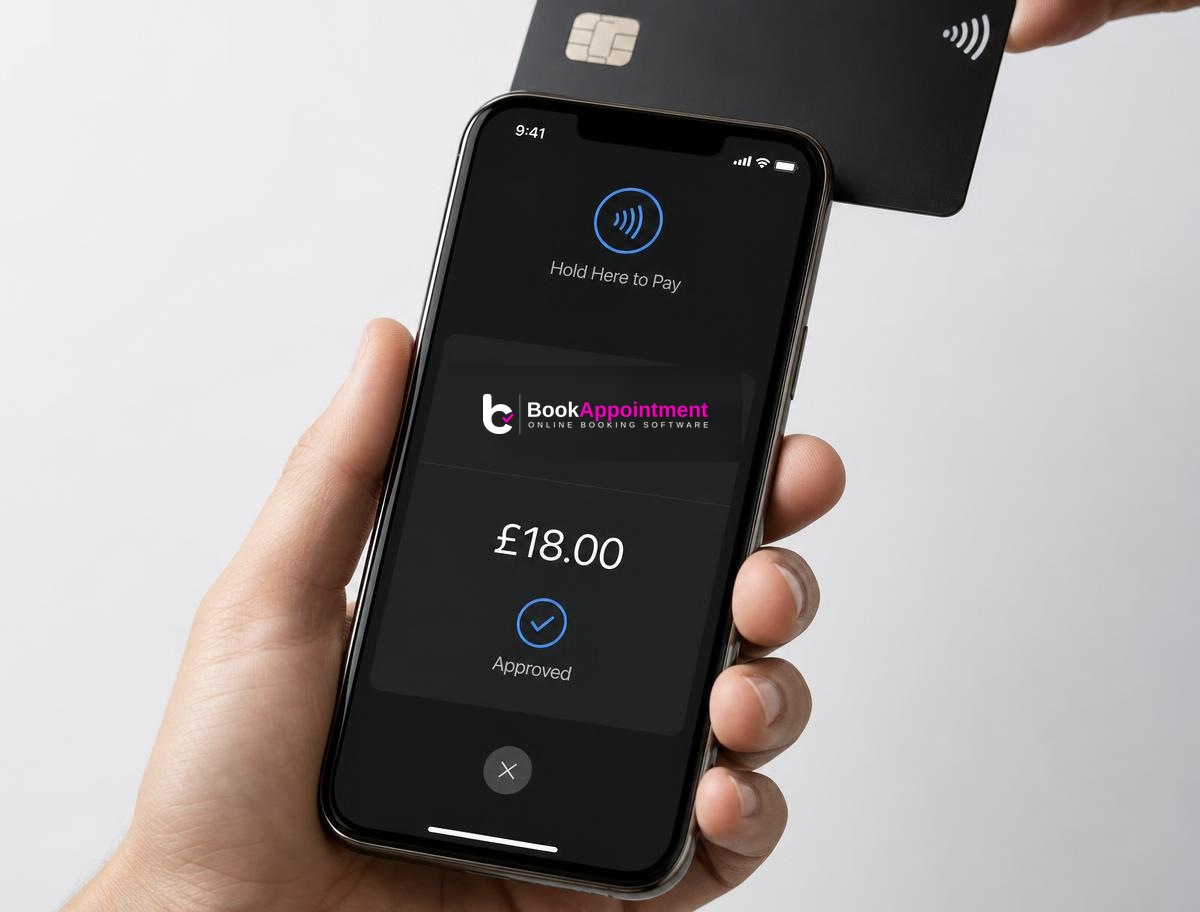
Take deposits online, charge in full at checkout, or tap a card on your phone at the counter — every payment flows into the same Stripe account and the same booking history. No separate terminal, no reconciliation.
Need to check ID before an appointment? Automated 18+ and identity checks run through Stripe Identity from £2.50 per check, or verify customers manually — your call, per service.
Online, at the point of booking
Choose per service what your customer sees at checkout.
Pay in person
The default. Customers book online and pay at the counter — nothing charged upfront.
- No processor required
- Works from day one
- Great for cash or existing card machines
Deposit / no-show protection
Hold a small deposit at booking. Auto-refund inside your cancellation window; keep it on no-shows.
- Fixed £ or % of service
- Per-service rules
- Auto or trust-based — see below
Full online payment
Charge the full price at booking. Ideal for classes, packages and prepaid experiences.
- Instant confirmation
- Fewer cancellations
- Perfect for group sessions
In person, at the counter
Every in-person option uses the same connected Stripe account — payments appear in your BookAppointment history automatically, no manual matching.
Tap to Pay on phone
Take contactless card and mobile-wallet payments straight on your iPhone or Android — no reader needed.
- Available today via the free Stripe app
- Native in-app Tap to Pay in beta
- Same Stripe account, same fees
Stripe Reader
Order a WisePOS E or BBPOS Chipper if you prefer a dedicated terminal — chip, tap and swipe.
- Ships from Stripe
- One-tap ordering from Settings → Payments
- Same payout schedule
Cash or your own terminal
Prefer cash or an existing card machine? Mark bookings as 'paid in person' — deposits are still tracked.
- No processor charges on cash
- Balance-owed tracking
- Works alongside deposits
Smart deposits, only when you need them
Charging every regular a deposit is a great way to lose them. BookAppointment lets you scope deposits so trusted customers still book in one click.
Everyone
Every customer pays a deposit — best for high-demand or long services.
No-one
Deposits off; keep your booking flow as light as possible.
Only flagged customers
Ask for a deposit only when a customer has recent no-shows or late cancels, or you've flagged them manually.
Most popularHow it works
- 1
Connect Stripe
One click from Settings → Payments. Verified in minutes.
- 2
Configure per service
Pick pay-in-person, deposit or full amount.
- 3
Take payment
Online at booking, or in person via Tap to Pay / reader / cash.
- 4
You get paid
Funds settle straight into your bank — typically next working day.
Refunds in one click
Full or partial refund straight from the booking detail. Deposits auto-refund when a customer cancels inside your window; kept when they don't.
Disputes & chargebacks
Handled through your Stripe dashboard with the booking, notes, and message thread linked as evidence — respond in a couple of clicks.
Fees, in plain English
Two fees, always visible on the receipt: Stripe processing and our platform fee. Same fees across online, Tap to Pay and reader — no in-person surcharge.
Stripe processing
| Payment method | Rate | Where it goes |
|---|---|---|
| UK & EEA card — online | 1.5% + 20p | Stripe |
| International card — online | 2.5% + 20p | Stripe |
| Tap to Pay / Stripe Reader (UK card) | 1.5% + 5p | Stripe |
| Cash / your own terminal | Free | — |
Rates shown are Stripe's UK list prices at time of writing. Your live rate is set by Stripe and always visible in your Stripe dashboard.
BookAppointment platform fee
| Plan | Per online / Tap to Pay transaction | Cash / own terminal |
|---|---|---|
| Starter | Not available | Free |
| Pro | 1% + 20p | Free |
| Business | 0.5% + 20p | Free |
Platform fee is deducted automatically from the Stripe payout and shown per booking on your Payments page. We never touch your money — it moves directly from your customer to your Stripe account.
Common questions
One account, every kind of payment
Start a free 14-day trial — connect Stripe in minutes and start taking deposits, online payments and Tap to Pay.